App general use
The Family Gem app usually doesn't collect any of your personal data.
All the data you insert into a tree, created from scratch or imported from a GEDCOM file, are stored on your device only.
Your family history belongs to you. Learn how Family Gem stores your trees locally on your device and handles optional tree sharing transparently.
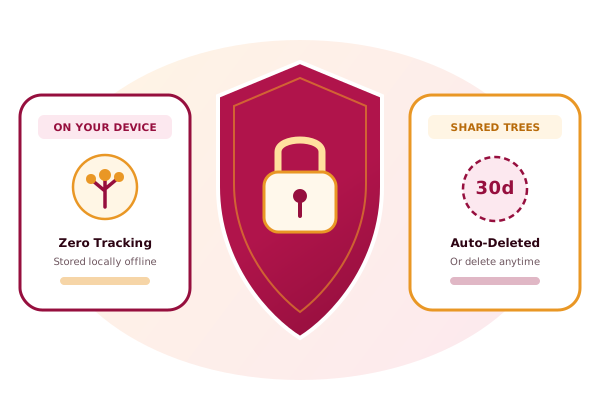
The Family Gem app usually doesn't collect any of your personal data.
All the data you insert into a tree, created from scratch or imported from a GEDCOM file, are stored on your device only.
The Family Gem app can collect your personal data in case you share a tree.
When you go to the Share page and you click on "Share", a copy of the tree is uploaded to the www.familygem.app server, to be available for download by the recipient of the sharing.
The data uploaded to the server are:
Apart from sharing a tree, there are no other ways that Family Gem collects your personal data.
The tree you shared is used for these purposes:
Data uploaded to the server are kept private and never shared with any third parties.
Your shared tree is kept on the server, available for download by the recipient of sharing, for one month.
After one month all the data are automatically deleted from the server.
You or the sharing recipient can in any time delete the shared tree before one month, by opening the sharing link and clicking on "Delete the shared tree" (see Delete your data).