How to delete a shared tree
With Family Gem you can share your family trees.
When you share a tree, it is uploaded to our server and stored for one month.
The uploaded tree is accessible via a special link generated during the sharing process.
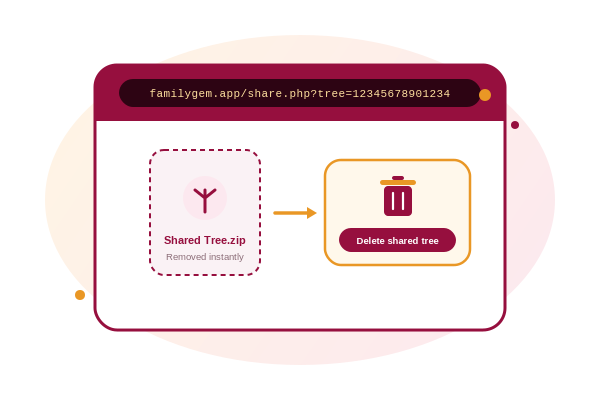
The share link looks like this:
By following your link you can find a Delete the shared tree button, which allows you to immediately delete the shared tree from the server.